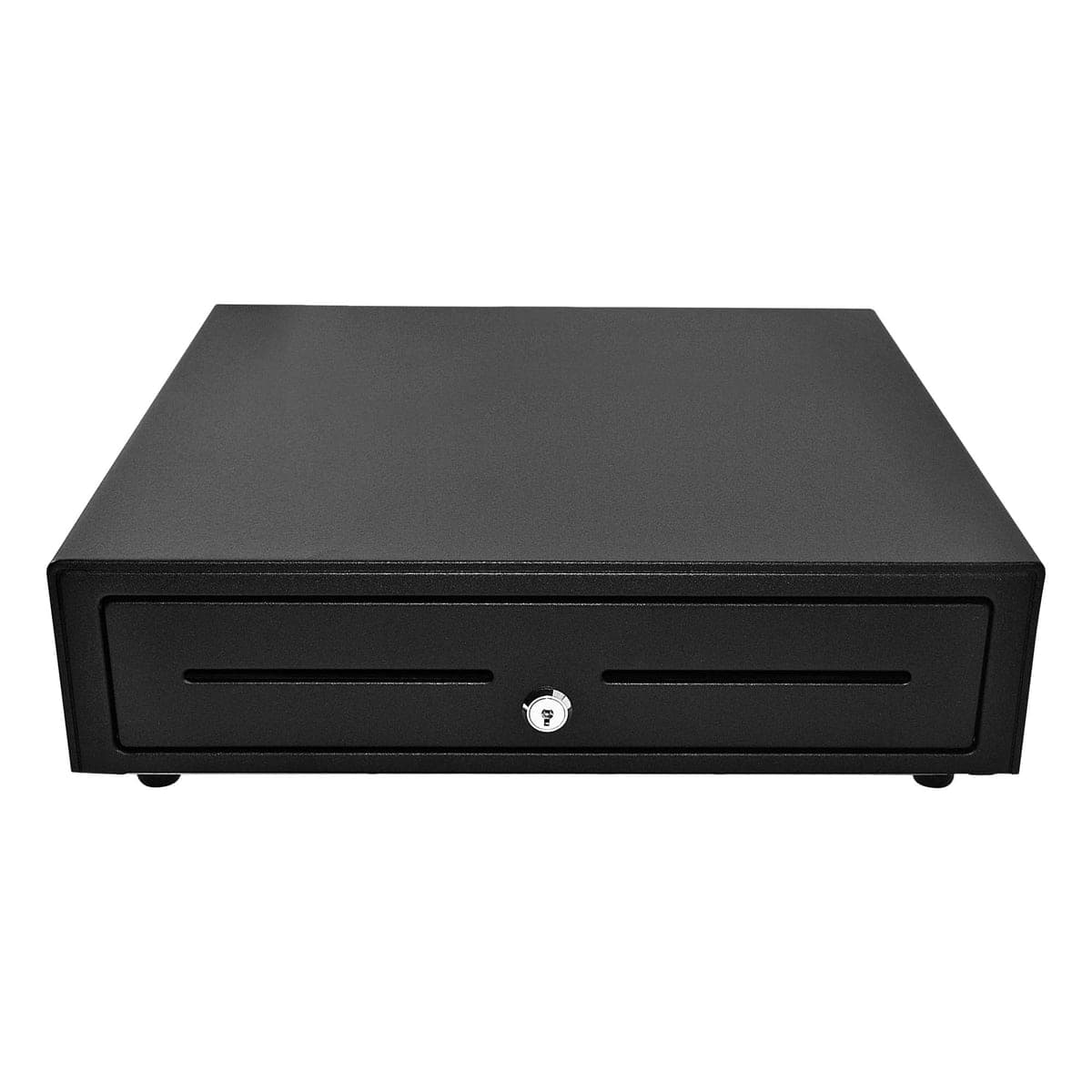
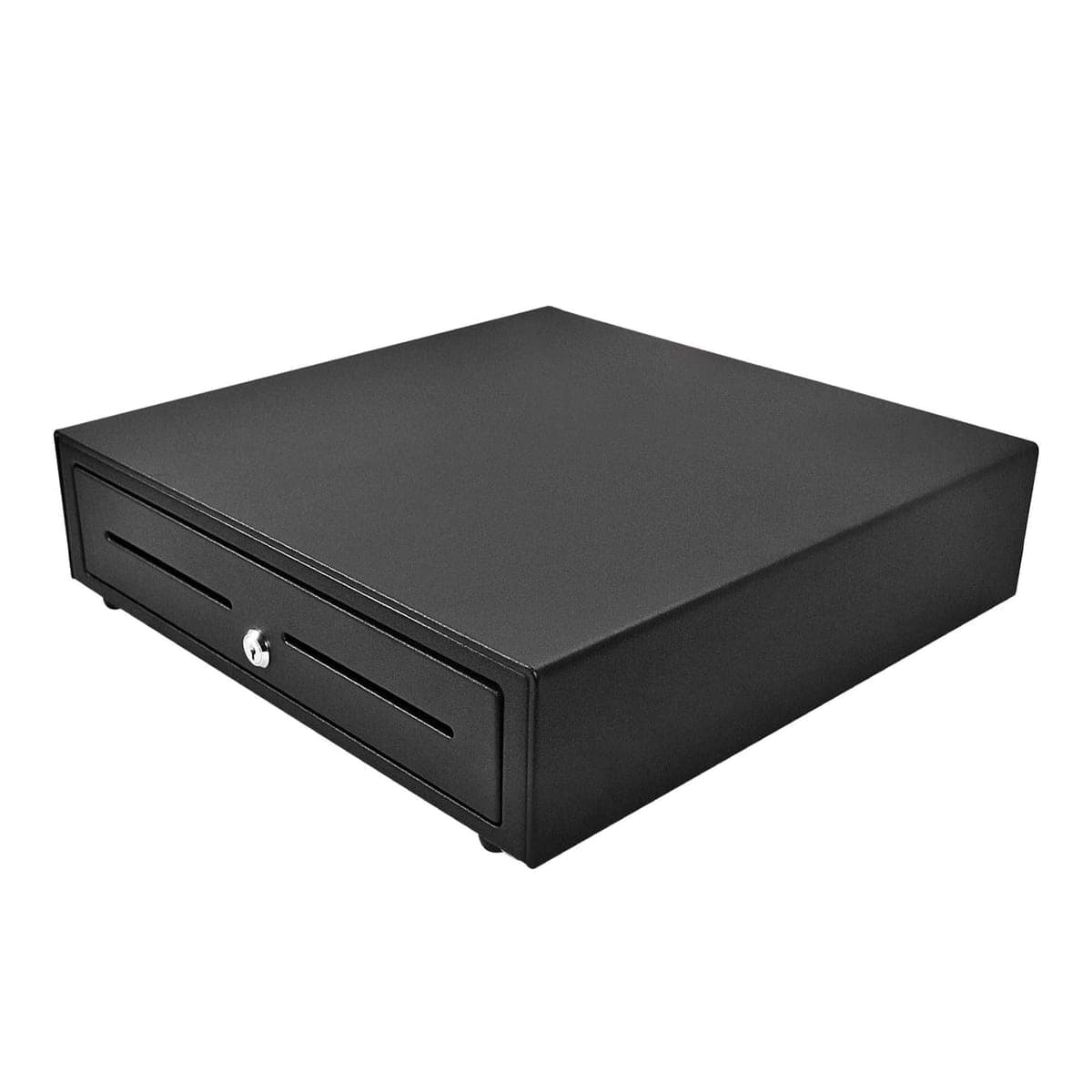
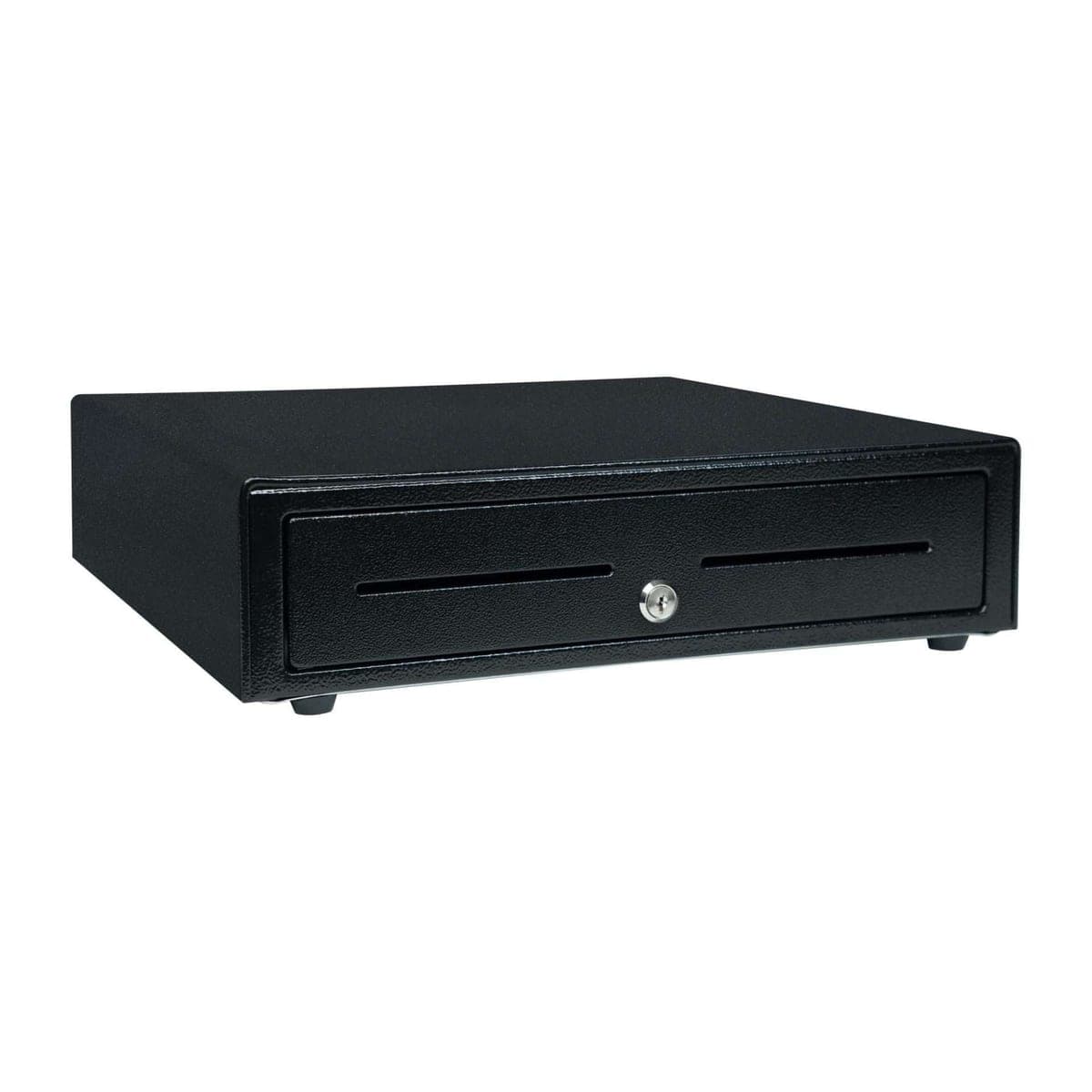
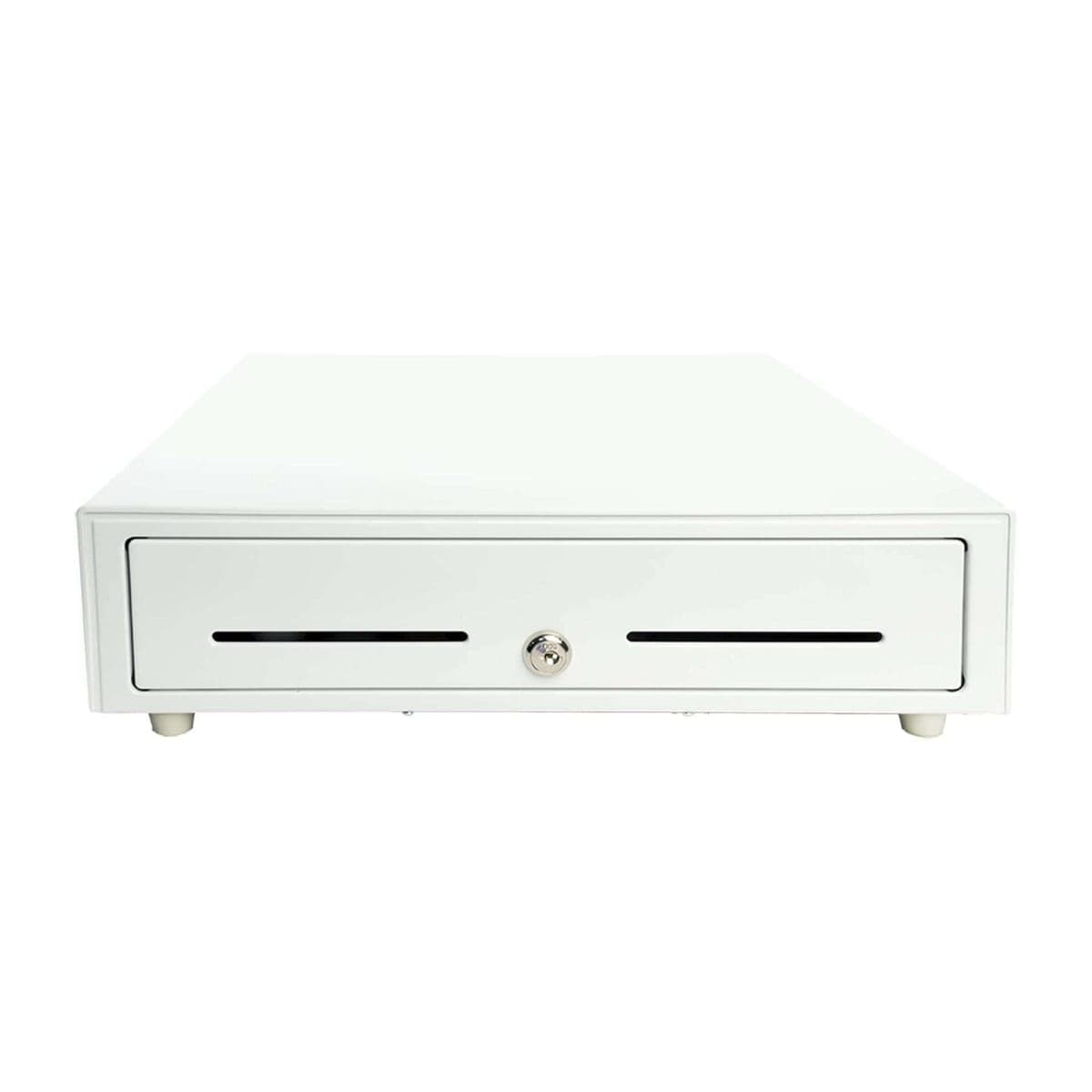
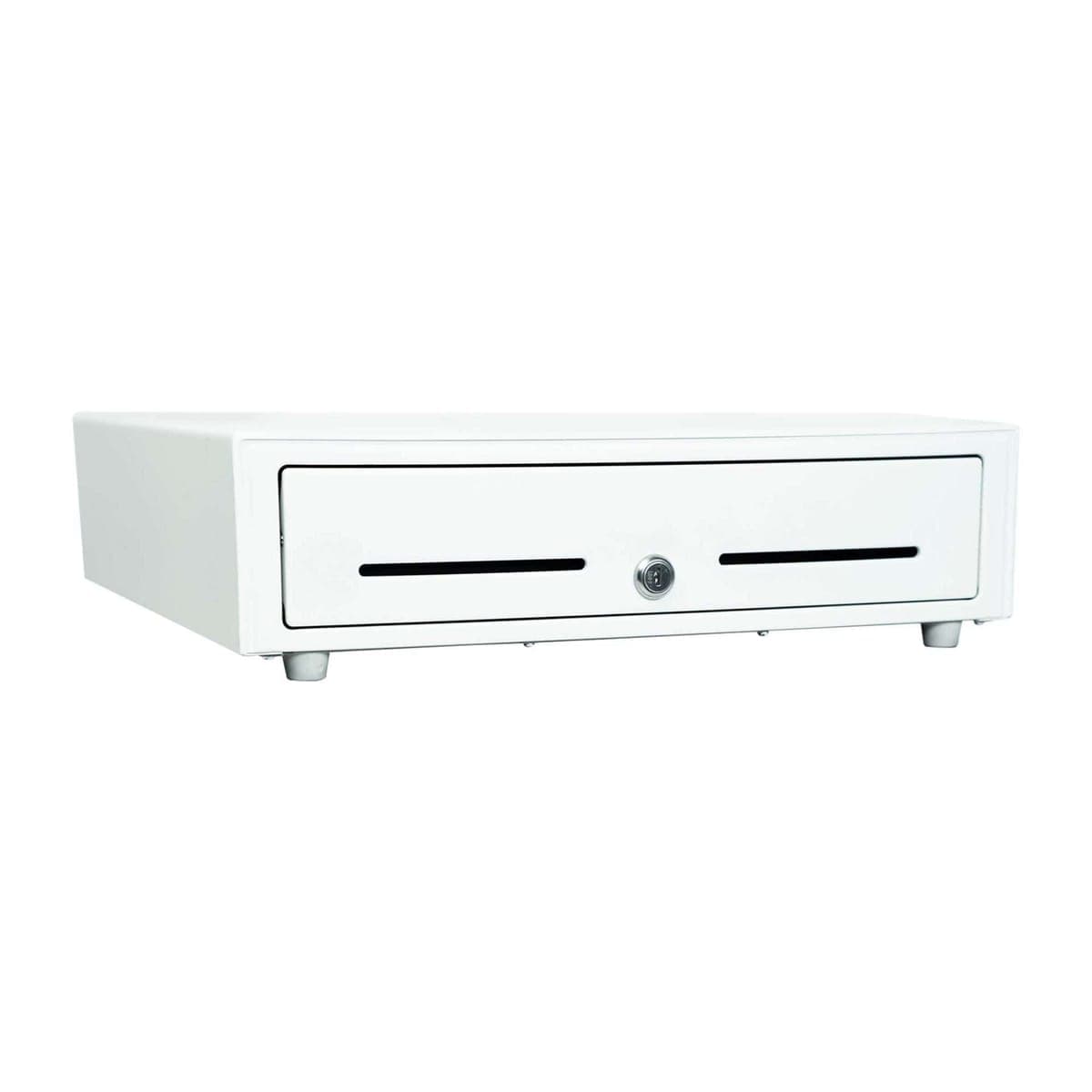

The cash drawer for an Opero counter. The Star CD4 is a printer-driven drawer: cable it to the Star mC-Print3 you use for guest receipts, and Opero opens it on cash sales. It comes in black or white, about 16 x 16 inches, with a 5 bill / 5 coin till.
Why it works
- Opens from Opero. It opens on cash sales at the POS. Staff who are allowed to can also open it with no sale, and Opero logs each opening.
- Cable included. Star includes the cable that connects the drawer to the printer's drawer port.
- Room for the shift. A 5 bill / 5 coin till, plus 2 long media slots.
- Built for daily use. Star rates the CD4 for 1 million opens. It runs on roller wheels, and Star reinforces the top so it can hold a tablet or POS terminal.
- One key. A key lock at the front center for manual release. Star's hinged key works on both the drawer and the till.
- Backed by Star. Star's warranty terms (Star Micronics Limited Warranty Terms and Conditions, Rev. 10/31/2025) say: "SMD2, CD4 cash drawers – two (2) years." They list key locks, keys, covers and cash drawer tills as accessories, which carry "one (1) year". Star's terms apply as Star writes them.
Works with Opero
Opero can open a Star printer-driven cash drawer that is cabled to an mC-Print3.
- Plug the drawer's cable into the port marked Cash Drawer/Buzzer on the mC-Print3 at your register, the one plugged into the register tablet by USB. In Opero, also choose that printer as your Receipt printer, under Where each document goes, so the drawer still opens when the register is signed in with your own login rather than its own.
- In Opero's printer table (Devices, then Printers), the Cash drawer box for that printer must be ticked. Ticked, it reads "Drawer here". Setting up a register's printer ticks it for you. If you move the drawer to another printer, move the tick too. Opero cannot see the cable.
- The drawer opens on cash sales at that register: a walk-up sale at the counter, or cash paid on an open tab or table check. The handheld pad has no cash button: cash is taken at the counter.
- The register tablet checks in with Opero for its printer every few seconds, and the drawer opens at the next check-in. Expect a delay of up to about 5 seconds.
- If the drawer job is not picked up within about 90 seconds of a cash sale (for example, the register tablet or the printer is off, or the tablet is off the Wi-Fi), the sale still records, but Opero drops the drawer job. The drawer does not open later when they come back. That is on purpose.
- To open it with no sale, press Open drawer on the POS, then Open now. Opero logs each opening. If you do not see Open drawer, that login is not allowed to open the drawer without a sale.
- A test print never opens the drawer. Leave the printer's own drawer settings at the factory setting.
Our mC-Print3 setup guide has every step, in section 7. If you get stuck, email support@operoos.com. Opero helps with setup by email.
How many do I need?
One per register. Each drawer cables to the printer plugged into that register, and opens on that register's cash sales, including cash paid on an open tab or table check. Running more than one register with a drawer? Email support@operoos.com before you buy.
Will it work with my printer?
This drawer is printer-driven: it opens only when the printer it is cabled to tells it to. It needs a Star printer with a drawer port. In Opero, that is the Star mC-Print3 sold in this store, plugged by USB into your register tablet running the Opero app. Using a different printer? Email support@operoos.com before you buy.
What you need
- A Star mC-Print3 at your register, plugged by USB into the register tablet running the Opero Android app, and chosen in Opero as your location's Receipt printer (sold separately)
- An Opero account
What's in the box
- Star CD4 cash drawer in the color you choose, with its 5 bill / 5 coin till
- Drawer cable
- Hinged key
The printer and paper are not included.
Specifications (Star)
| Model | Star CD4-1616BK55-S2 (black) and CD4-1616WT55-S2 (white) (Choice Series, CD4-1616) |
|---|---|
| Part number | 37968790 (black), 37968780 (white) |
| Color | Black, White |
| Connection | Printer-driven, with a bottom-exit cable (included) |
| Till | 5 bill / 5 coin |
| Media slots | 2, long |
| Solenoid | 24 V |
| Design | Roller wheel suspension |
| Rated life | 1 million opens |
| Lock | Key lock at front center; one hinged key for drawer and till |
| Size | 16.1 x 16.3 x 4.3 in (W x L x H) |
| Weight | About 15.5 lb |
| Warranty | Star's terms (Rev. 10/31/2025): "SMD2, CD4 cash drawers – two (2) years." Accessories, listed there as including key locks, keys, covers and cash drawer tills: "one (1) year". |
Setup guide: Star mC-Print3 with Opero
Warranty
Backed by Star. Star's warranty terms (Star Micronics Limited Warranty Terms and Conditions, Rev. 10/31/2025) say: "SMD2, CD4 cash drawers – two (2) years." They list key locks, keys, covers and cash drawer tills as accessories, which carry "one (1) year". Star's terms apply as Star writes them.